Bug #2500
closed

Show on map button doesn't work
Description
When testing out the instance for the Munich workshop I noticed that at the Paris view:
https://discover-lmu.openatlas.eu/en/visualization?mode=table&selection=142&detail=148
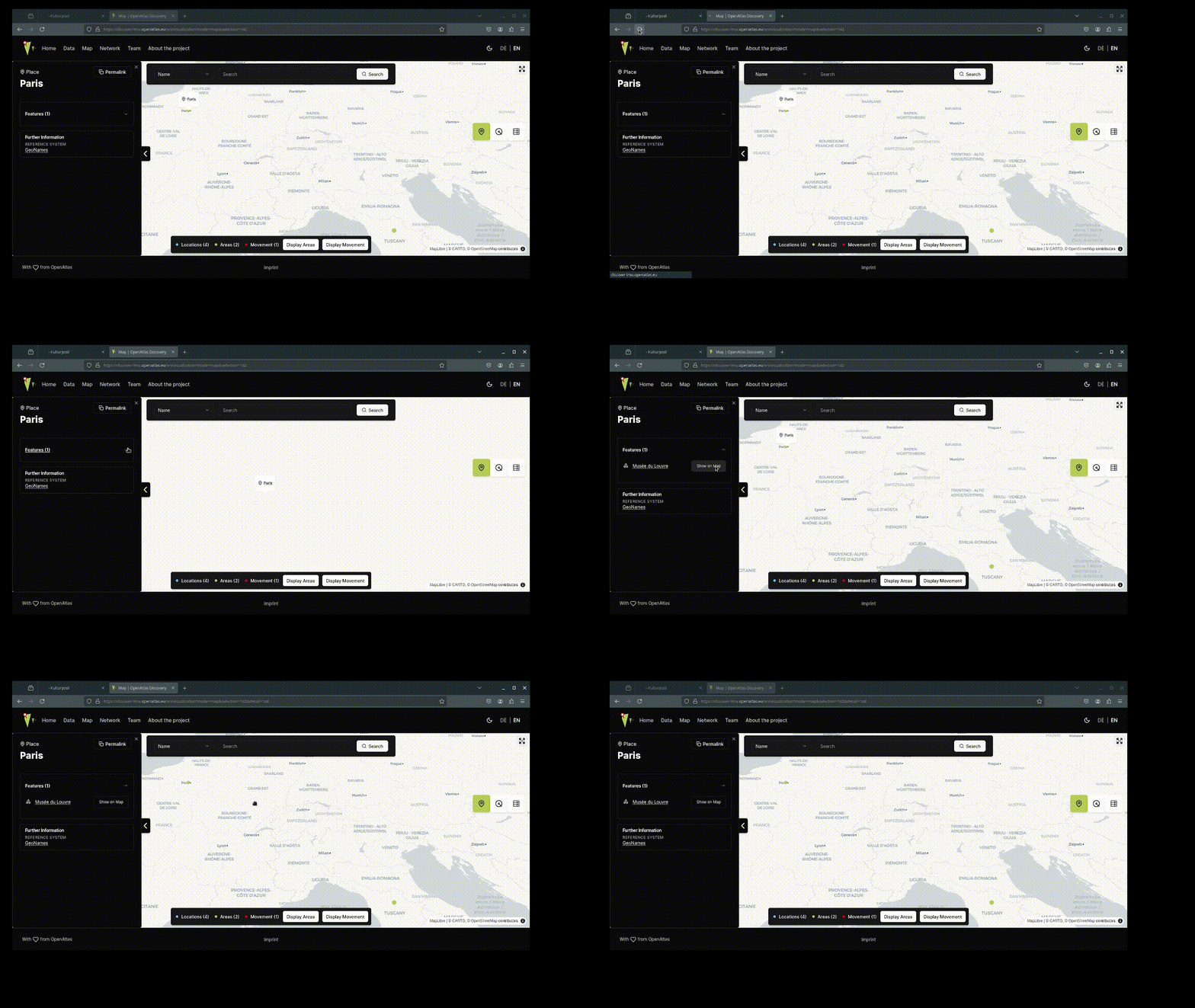
When clicking on Features it lists Musée du Louvre with a Show on map button which doesn't work.
I guess it is either because Musée du Louvre (see in backend) has a geolocation but it is a polygon (not a marker) or maybe it is because it's the static deployed version.
However, Show on map the button doesn't seem to do anything.
Files
 Updated by Bernhard Koschiček-Krombholz about 1 year ago
In my browser, it marks the location, but it doesn't zoom in on the Feature.
But if I dismiss the popup and click again on Show on map, it doesn't work. I guess it is, because the URL then contains &detail=148 put it doesn't get reloaded. (see attached file 2025-04-09-12-19-57.gif)
Updated by Bernhard Koschiček-Krombholz about 1 year ago
- File 2025-04-09-12-19-57.gif 2025-04-09-12-19-57.gif added
 Updated by Katharina Wünsche about 1 year ago
- Status changed from Acknowledged to In Progress
- Assignee set to Katharina Wünsche
 Updated by Alexander Watzinger about 1 year ago
Thanks a lot, I uploaded the discover-lmu instance and it works great, see: https://discover-lmu.openatlas.eu/en/visualization?mode=table&selection=142&detail=148
This issue can be closed from my side. Thanks again for solving it so quickly :)
 Updated by Olivia Reichl 12 months ago
- Status changed from In Progress to Closed